Messaging and Communication
Luna provides several methods for managing client communication directly from within the system itself.
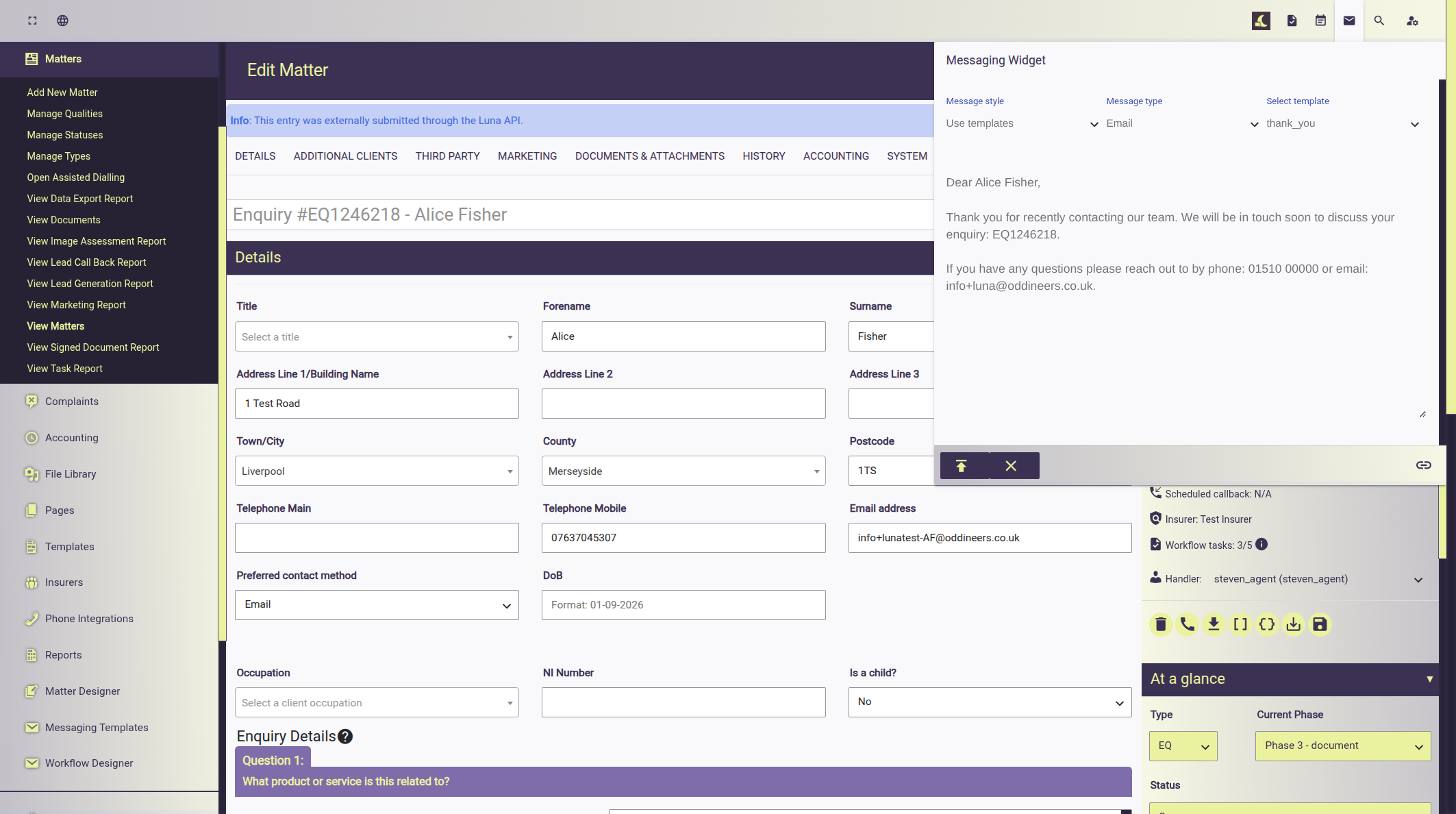
Viewing a file provides file handlers with a messaging widget they can use to send various types of communication; the widget enables file handlers to choose from various system message templates or manually specify the message content:
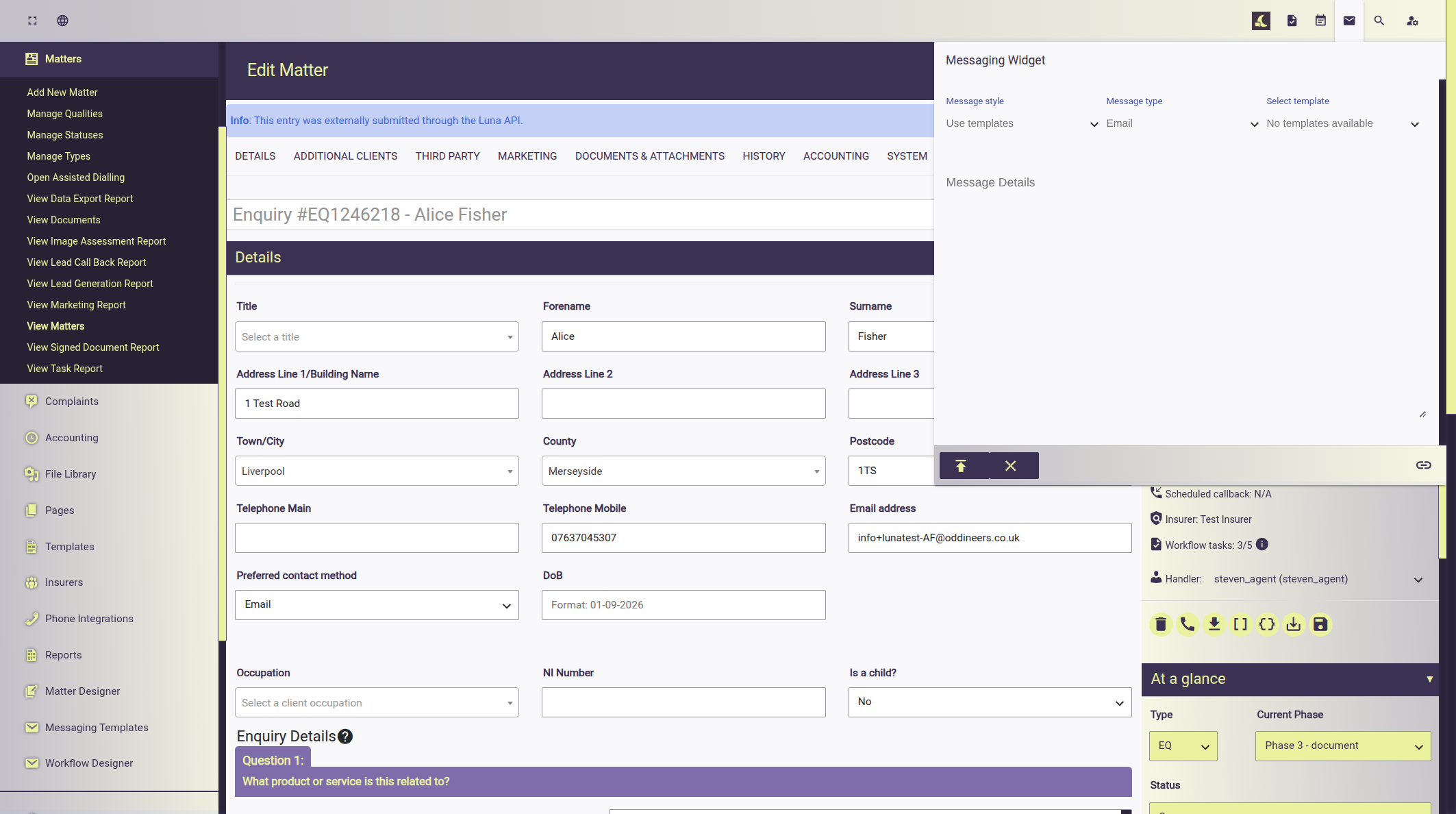
The widget provides several options for the file handler to customise the content.
Messaging Templates are create under the Message Designer; these templates can be a general set of templates or a case type specific depending on the organisations requirements.
Message Style
The message style can be set to:
- Use templates: Use a template defined in the messaging designer, the template selected depending on the message type used..
- Custom message: allows the file handler to write their own message.
Message Type
The message type allows the file handler to customise whether the message should be sent via Email or via SMS.
Select Template
Allows the file handler to select a template message defined in the Message Designer.
File Logging
All messages sent from Luna create a log entry under file history showing the content, destination and who the message was created and sent from.